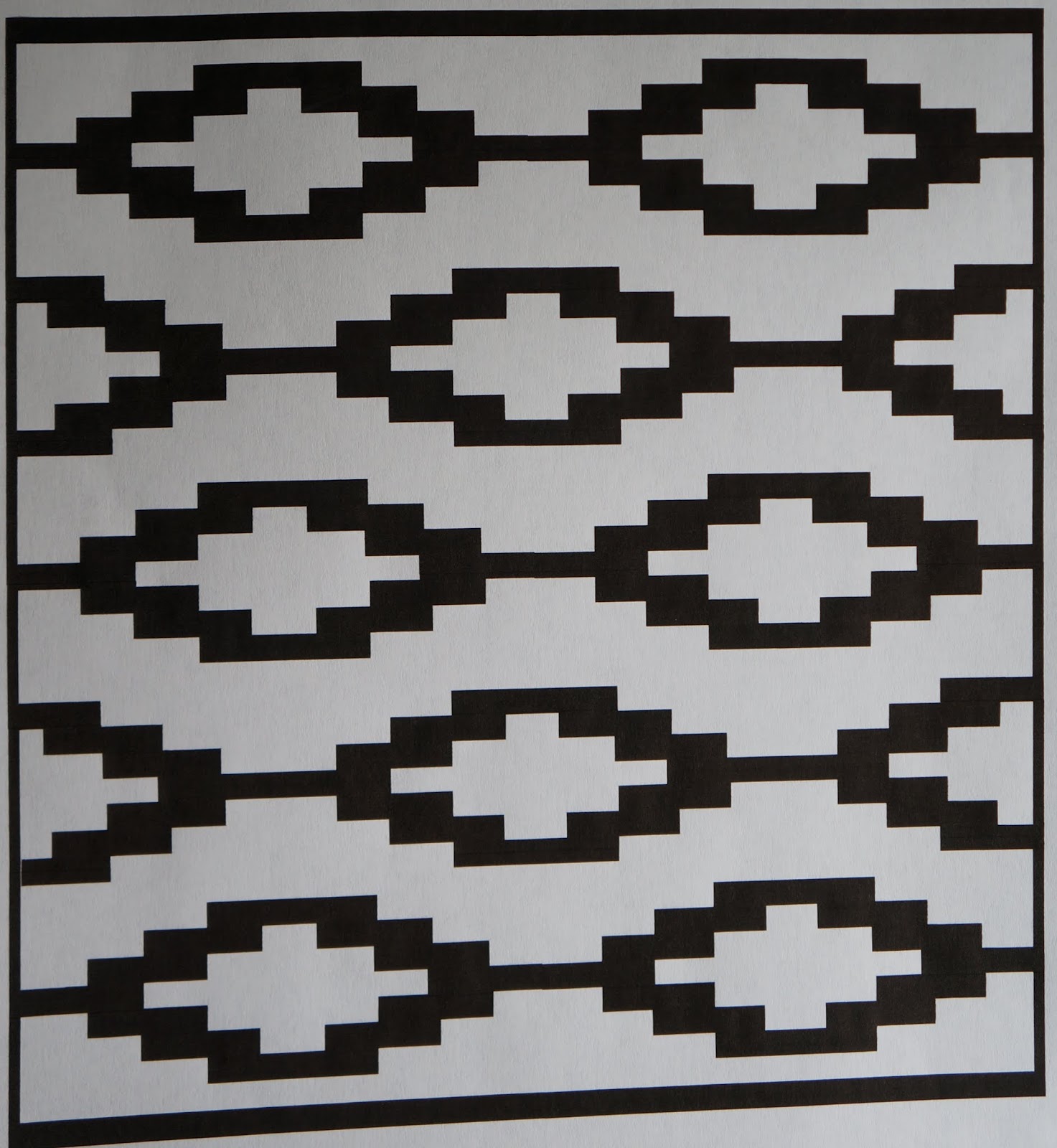
A few weeks ago, I did a gelatin printing workshop for Becca and Laura, and wanted to share some photos.
Here is our work table with lots of paints, papers, stencils, etc.
Here are some prints. I believe both of these are Laura's. These have two or three printed layers on them.
Becca, working on her final layer.
Laura, also working on her final layer
And here are some finished pieces.
Becca's
Laura's
It was a very snowy day, which makes for a great art day, and we had a great time! I am so glad they were able to make it through the snow and play with monoprinting. Thanks Laura and Becca!
Monday, November 23, 2015
Monday, November 16, 2015
Art Club, paint and collage project
I recently started an art group through the UNK Women's Club and our first meeting was this weekend.
We worked on a painted and collaged piece inspired from a Lynne Perrella class I took many years ago.
We used four paint colors and photocopied images to create our artwork. We also cut out our images to create a stencil.
Here is the group at work.
And here are our pieces.
Diana left before I remembered to take pictures, so her piece is missing from the gallery. (Sad face).
We had a great time, ate Melissa's excellent coconut brownies, and had wonderful artwork in the end.
We worked on a painted and collaged piece inspired from a Lynne Perrella class I took many years ago.
We used four paint colors and photocopied images to create our artwork. We also cut out our images to create a stencil.
Here is the group at work.
And here are our pieces.
![]() |
| Caroline |
![]() |
| Debra |
![]() |
| Melissa |
![]() |
| Laura |
![]() |
| Cristina |
![]() |
| Annarose |
![]() |
| Lisa's, in progress, I don't have a picture of it in a more complete state |
![]() |
| Mine |
We had a great time, ate Melissa's excellent coconut brownies, and had wonderful artwork in the end.
Monday, November 2, 2015
Layered and painted fabric landscapes
It has been a while since I have posted. I have been working on art pieces since my last post, but I feel like I have been spinning my wheels.
I had been thinking of just posting finished work on the blog, but then my posts would definitely be less frequent, so I shelved that idea.
A while ago, I created some patchwork backgrounds that I planned to paint, see here for the original post. My original thought was to have a dripped paint effect, but decided to do some abstract landscapes on some of them.
For my first paint layer on two different pieces, I used watered down acrylic paints. When these dried, they dried much lighter and I decided they needed another paint layer. I switched to Setacolor paints because I know how they behave on fabrics and I could get the colors I was looking for.
Here is the final piece. I plan to add some stitching and some additional fiber layers to this.
Another piece started with acrylic paints. This is when it was still wet.
I did add another coat of Setacolor blue for the sky. I like how the brown migrated in that one strip of fabric above the horizon, as it looks like trees. I plan to add some opaque paints to add a bit more realism.
And the third one. I love how the diagonal piped fabric at the bottom gives the look of a farm field.
All of these need more work and details, but they are looking good so far.
I did try dripping paint on another piece, but it looks horrendous. I also worked a bit on the last two patched backgrounds, but I was experimenting and they are pretty awful. I won't be showing them on the blog until they make a turn for the better.
I had been thinking of just posting finished work on the blog, but then my posts would definitely be less frequent, so I shelved that idea.
A while ago, I created some patchwork backgrounds that I planned to paint, see here for the original post. My original thought was to have a dripped paint effect, but decided to do some abstract landscapes on some of them.
For my first paint layer on two different pieces, I used watered down acrylic paints. When these dried, they dried much lighter and I decided they needed another paint layer. I switched to Setacolor paints because I know how they behave on fabrics and I could get the colors I was looking for.
Here is the final piece. I plan to add some stitching and some additional fiber layers to this.
Another piece started with acrylic paints. This is when it was still wet.
I did add another coat of Setacolor blue for the sky. I like how the brown migrated in that one strip of fabric above the horizon, as it looks like trees. I plan to add some opaque paints to add a bit more realism.
And the third one. I love how the diagonal piped fabric at the bottom gives the look of a farm field.
All of these need more work and details, but they are looking good so far.
I did try dripping paint on another piece, but it looks horrendous. I also worked a bit on the last two patched backgrounds, but I was experimenting and they are pretty awful. I won't be showing them on the blog until they make a turn for the better.
Monday, October 19, 2015
Chicken monoprints
This weekend I worked on some chicken monoprints with my new stencils.
I have some more with the background and main body printed, and I just need to do the detail stencil print.
Monday, October 5, 2015
Stencil making with my ScanNCut
I have been doing a lot of gelli printing and was previously designing my own stencils and cutting them out by hand.
I decided to get a ScanNCut as I wanted my stencil making to be quicker and easier. The best part is, after you save a design, you can cut it again and again, and in different sizes.
Here is a design I did using the "add shapes" function in word and and copying and pasting the repeated shapes. I know that ScanNCut has their own software or website for making cut files, but I haven't tried it. I stuck with the "animal I know".
Here is my stencil. You can see I have some "hanging chads" that did not cut out completely, but these were easily cut out with an Exacto knife.
In addition to the stencil, I know have all these diamonds I can use as masks.
This design I also did in Word, using the "insert shapes". These shapes are all just lines that I made a thick point width.
Here is my stencil. I can't wait to try it out.
So now we get to the type of stencil I really bought this machine to cut out. This type of detailed stencil would have been time consuming to cut by hand. And if I didn't like it in the end, I would have felt that all that time was wasted. This is my image printed on paper.
The ScanNCut does not disappoint (matte stencil). I love how much detail I can get with it.
And I thought I need an egg stencil as well. I just used the pre-programmed egg shape in the machine and added multiples and lined them up. Seriously, this took me 10 minutes to "design" and cut.
I love how much detail I can get with this machine. I will add the following remarks.
-I like the matte stencil material better than the clear (both are Duralar .005 mil). I also think the matte cuts a bit easier for some reason.
-Using the built-in designs gets a much cleaner cut, especially for round or curved shapes. I did some circles in Word (printed, scanned in and then cut), and they were very jagged around the edges. Any hand drawn patterns are a bit rough around the edges (as in, not a nice smooth straight cut, a bit jagged). The straight lines from the Word documents (printed, then scanned into the machine) were straight and smooth.
-If you draw a small design, but then have it cut big, any unevenness in the drawing will be more obvious in the bigger version. (In other words, it is better to draw big, and cut small, instead of the other way around).
-Sometimes there are cut lines where I don't want them. Usually these can be deleted without affecting the design (before cutting), but sometimes I miss one. I don't realize it until I have cut the stencil. If it is a wide section, I will just use contact paper on both sides of the stencil to re-attach it. Otherwise, I either need to live with it (or cut out a section) or re-scan the picture and pay more attention (zooming in) to all the cut lines.
- I always have some "hanging chads" (except the eggs) which need to be removed with an Exacto knife.
-I do think it's a bit on the pricey side, and it really comes with no instructions. I watched YouTube videos for a week before I even took it out of the box.
Is this machine perfect? No. Does it give me what I want? Yes, most of the time and with a little perseverance. I like the hand-drawn stencil quality I get with my hand-drawn drawings, but am no way a perfectionist anyway. I think it was a good investment for me and I have been using it quite a bit.
I decided to get a ScanNCut as I wanted my stencil making to be quicker and easier. The best part is, after you save a design, you can cut it again and again, and in different sizes.
Here is a design I did using the "add shapes" function in word and and copying and pasting the repeated shapes. I know that ScanNCut has their own software or website for making cut files, but I haven't tried it. I stuck with the "animal I know".
Here is my stencil. You can see I have some "hanging chads" that did not cut out completely, but these were easily cut out with an Exacto knife.
In addition to the stencil, I know have all these diamonds I can use as masks.
This design I also did in Word, using the "insert shapes". These shapes are all just lines that I made a thick point width.
Here is my stencil. I can't wait to try it out.
So now we get to the type of stencil I really bought this machine to cut out. This type of detailed stencil would have been time consuming to cut by hand. And if I didn't like it in the end, I would have felt that all that time was wasted. This is my image printed on paper.
The ScanNCut does not disappoint (matte stencil). I love how much detail I can get with it.
And I thought I need an egg stencil as well. I just used the pre-programmed egg shape in the machine and added multiples and lined them up. Seriously, this took me 10 minutes to "design" and cut.
I love how much detail I can get with this machine. I will add the following remarks.
-I like the matte stencil material better than the clear (both are Duralar .005 mil). I also think the matte cuts a bit easier for some reason.
-Using the built-in designs gets a much cleaner cut, especially for round or curved shapes. I did some circles in Word (printed, scanned in and then cut), and they were very jagged around the edges. Any hand drawn patterns are a bit rough around the edges (as in, not a nice smooth straight cut, a bit jagged). The straight lines from the Word documents (printed, then scanned into the machine) were straight and smooth.
-If you draw a small design, but then have it cut big, any unevenness in the drawing will be more obvious in the bigger version. (In other words, it is better to draw big, and cut small, instead of the other way around).
-Sometimes there are cut lines where I don't want them. Usually these can be deleted without affecting the design (before cutting), but sometimes I miss one. I don't realize it until I have cut the stencil. If it is a wide section, I will just use contact paper on both sides of the stencil to re-attach it. Otherwise, I either need to live with it (or cut out a section) or re-scan the picture and pay more attention (zooming in) to all the cut lines.
- I always have some "hanging chads" (except the eggs) which need to be removed with an Exacto knife.
-I do think it's a bit on the pricey side, and it really comes with no instructions. I watched YouTube videos for a week before I even took it out of the box.
Is this machine perfect? No. Does it give me what I want? Yes, most of the time and with a little perseverance. I like the hand-drawn stencil quality I get with my hand-drawn drawings, but am no way a perfectionist anyway. I think it was a good investment for me and I have been using it quite a bit.
Monday, September 21, 2015
Leaves, fabric collage
I while ago I had made this fabric collage with different fabrics, sun printed it with Setacolor paints, and then free-motion stitched the leaves onto it. You can see that post here.
I wanted to create a companion piece with more color. I sun printed leaves on two layers of fabric, a polyester sheer (shown here),
and a heavy cotton canvas (below). As you can see, the paint did not completely cover the canvas. I went in afterwards and covered any white canvas areas with paint.
When I was testing the sheer over the canvas, the canvas seemed too bright for the background, so I applied a coat of transparent Cerulean blue over the entire canvas. The yellow areas became green, and the magenta areas are a dark blue-purple. I then free motion stitched around the leaf patterns that were printed on the polyester sheer, and cut around the leaves to expose the canvas. I wrapped the fabric around a 15" x 30" canvas and stapled it on the back side.
Detail.
I love to combine color, pattern, and fabric.
I wanted to create a companion piece with more color. I sun printed leaves on two layers of fabric, a polyester sheer (shown here),
and a heavy cotton canvas (below). As you can see, the paint did not completely cover the canvas. I went in afterwards and covered any white canvas areas with paint.
When I was testing the sheer over the canvas, the canvas seemed too bright for the background, so I applied a coat of transparent Cerulean blue over the entire canvas. The yellow areas became green, and the magenta areas are a dark blue-purple. I then free motion stitched around the leaf patterns that were printed on the polyester sheer, and cut around the leaves to expose the canvas. I wrapped the fabric around a 15" x 30" canvas and stapled it on the back side.
Detail.
I love to combine color, pattern, and fabric.
Monday, September 14, 2015
12" x 14" gelli prints, cranes
Using the larger 12" x 14" gelli plate, I printed some larger crane images. This first one is definitely my favorite.
I think using red on the crane makes it look more like a flamingo than a crane. They are still pretty awesome.
This background is hot pink and orange, it looks even more vibrant in person.
I think using red on the crane makes it look more like a flamingo than a crane. They are still pretty awesome.
This background is hot pink and orange, it looks even more vibrant in person.
Subscribe to:
Posts (Atom)